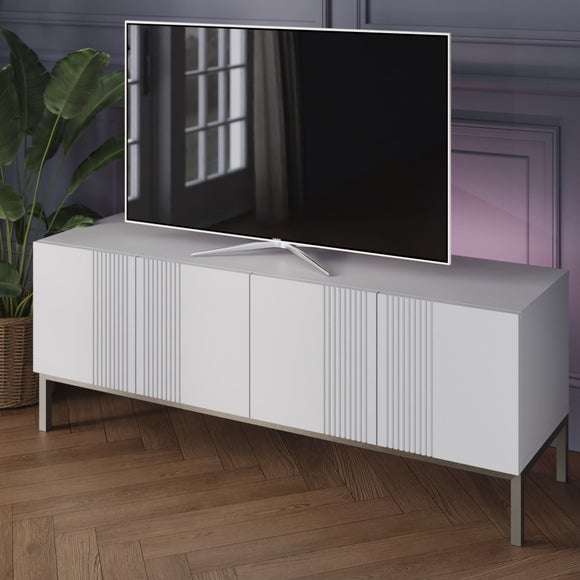
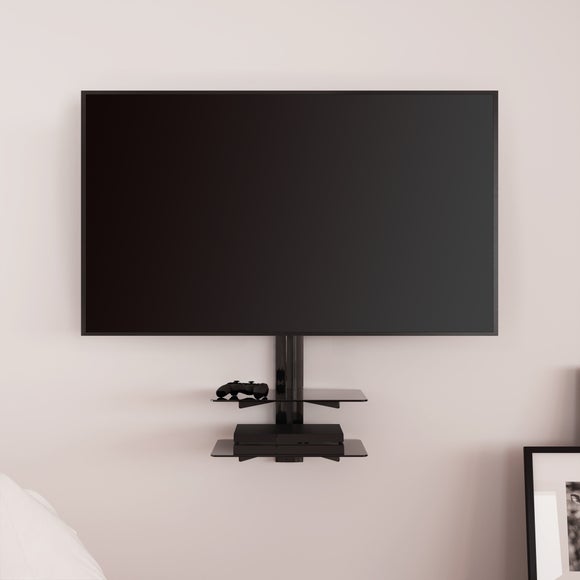
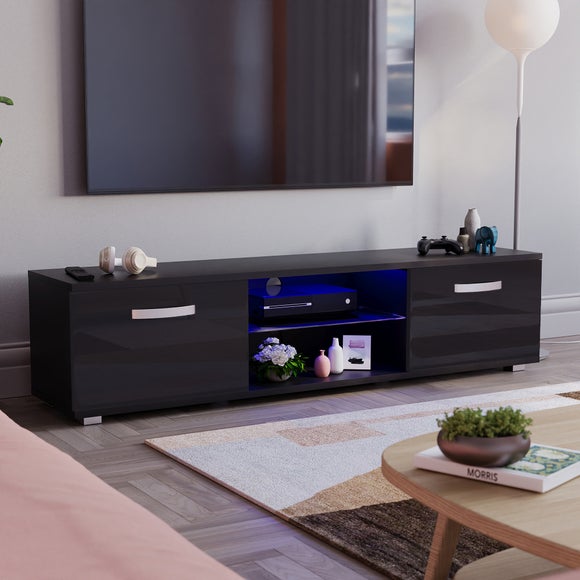
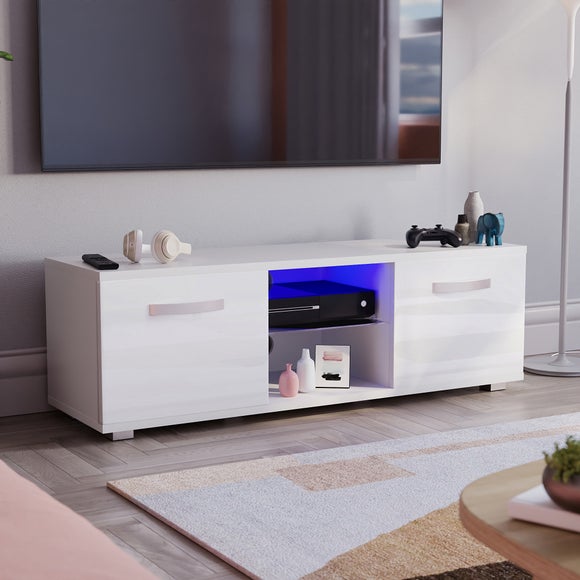
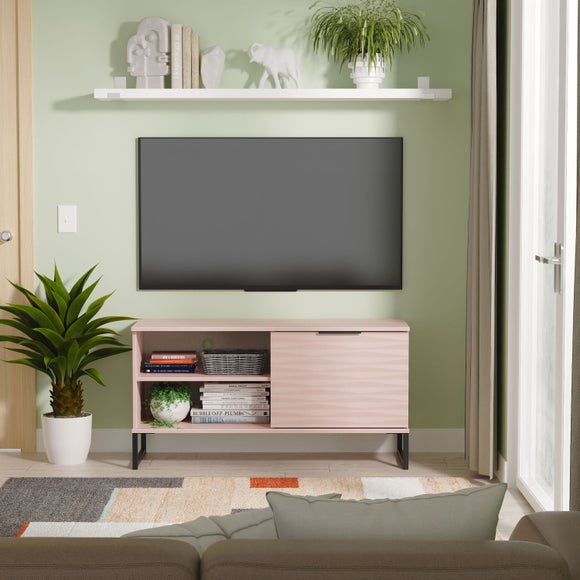
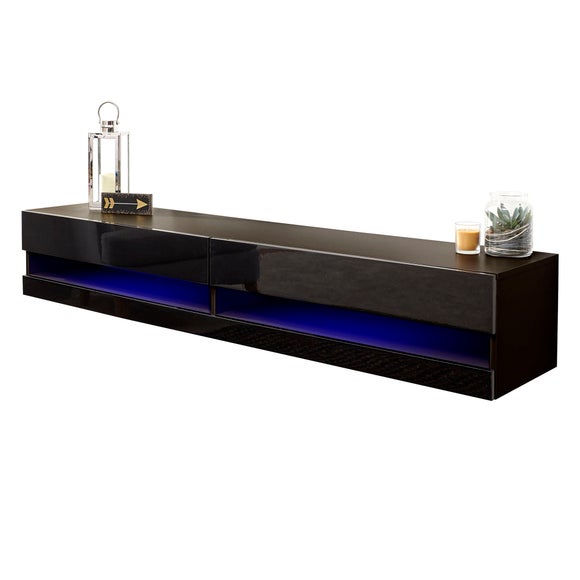
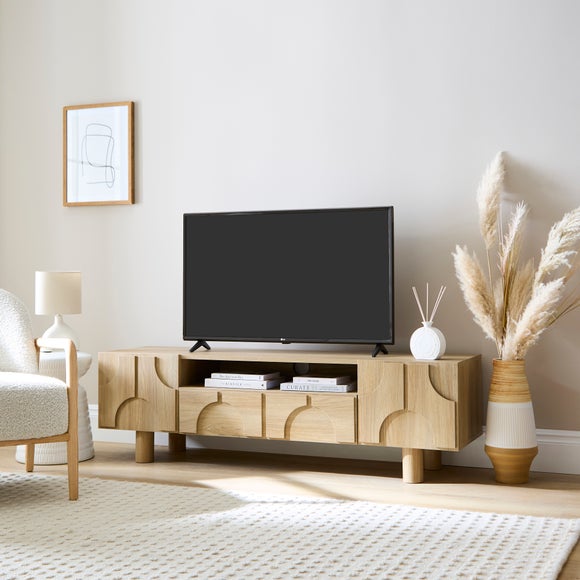
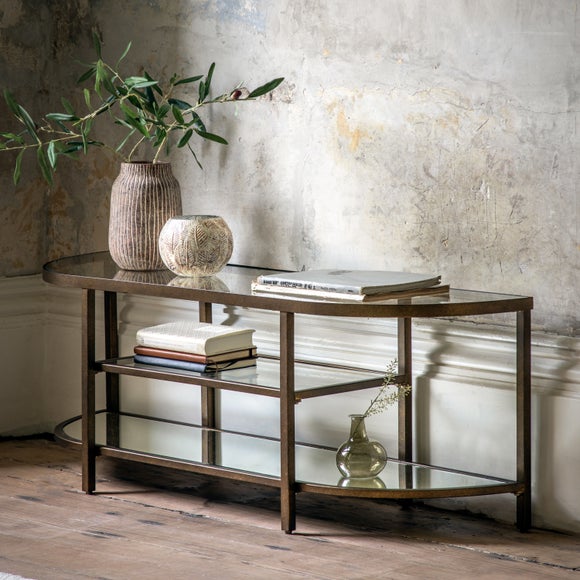
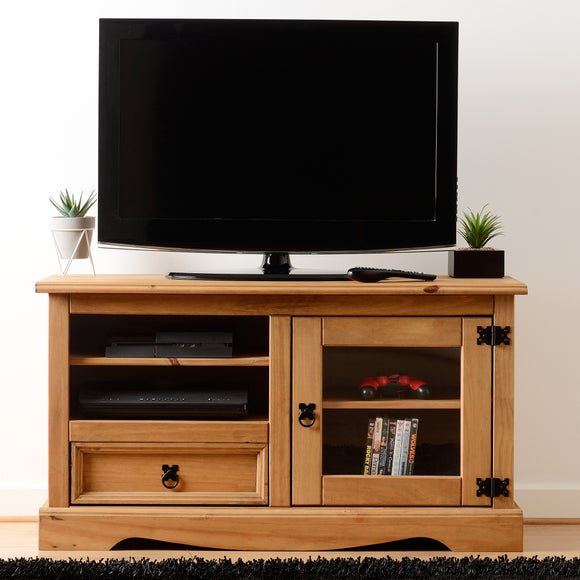
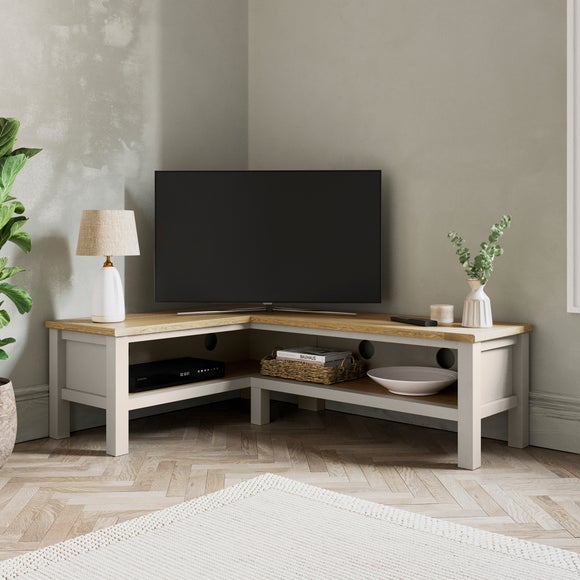
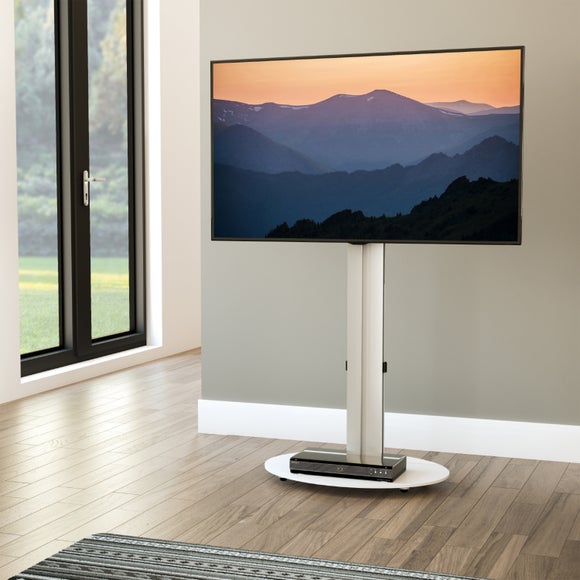
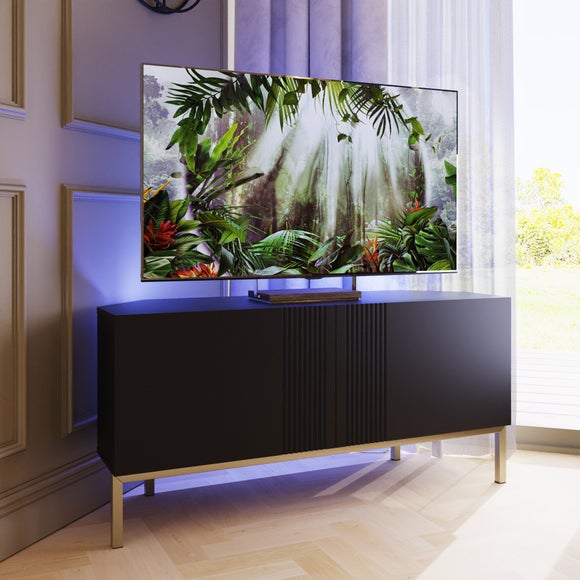
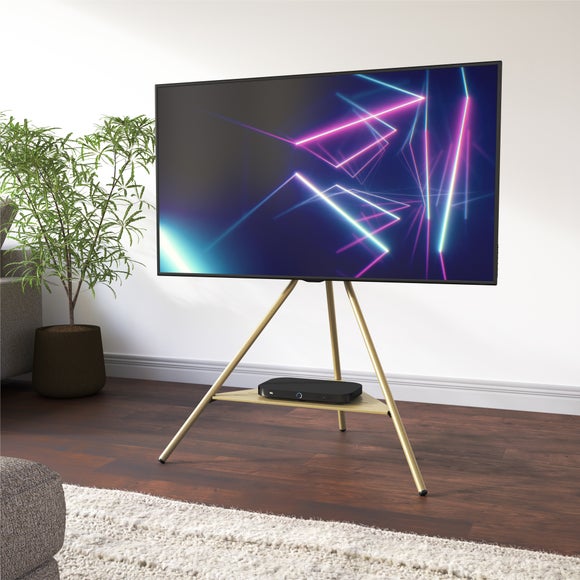
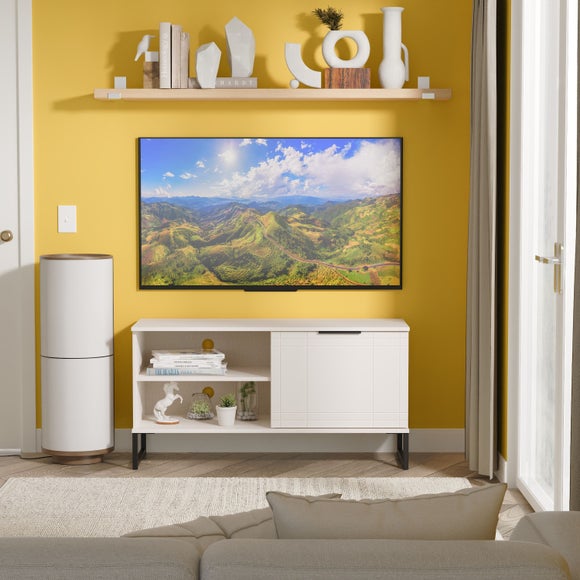
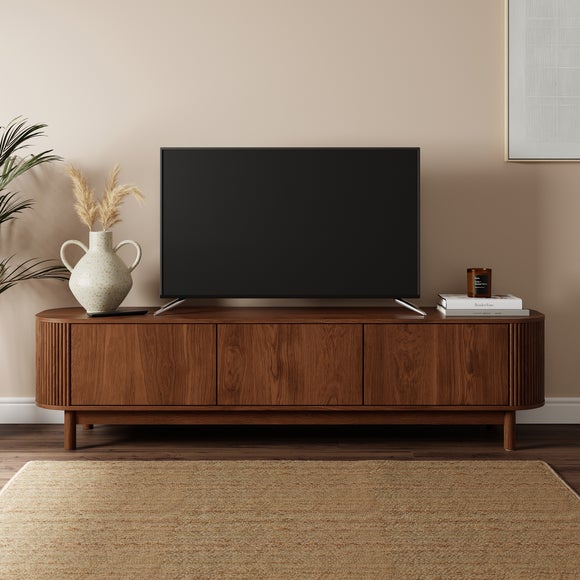
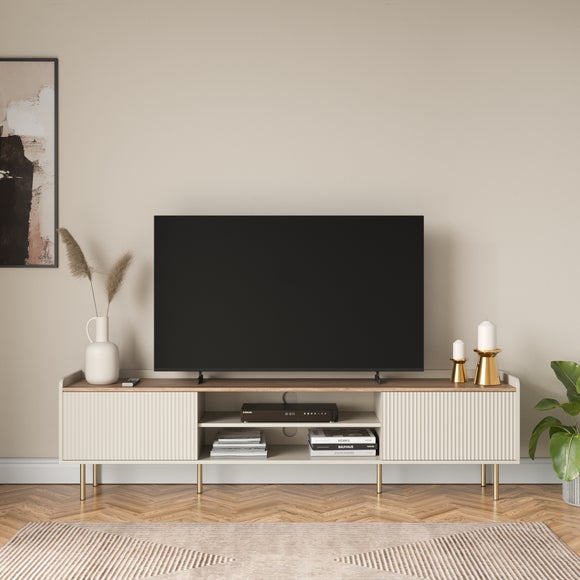
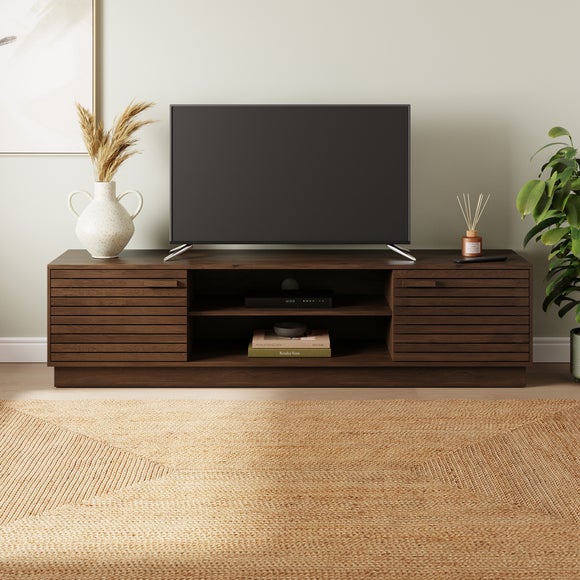
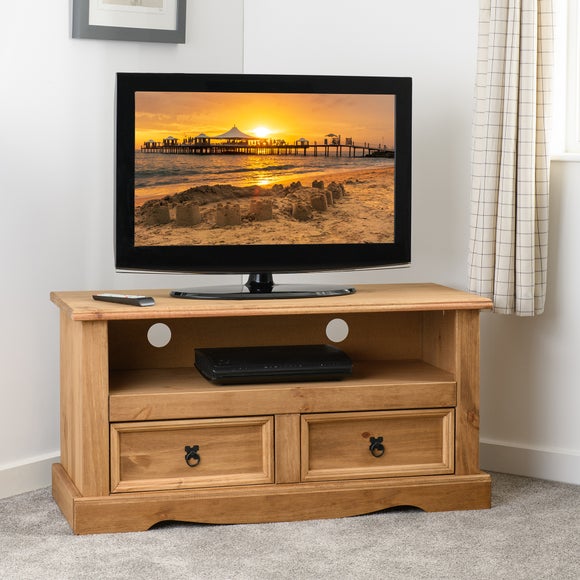
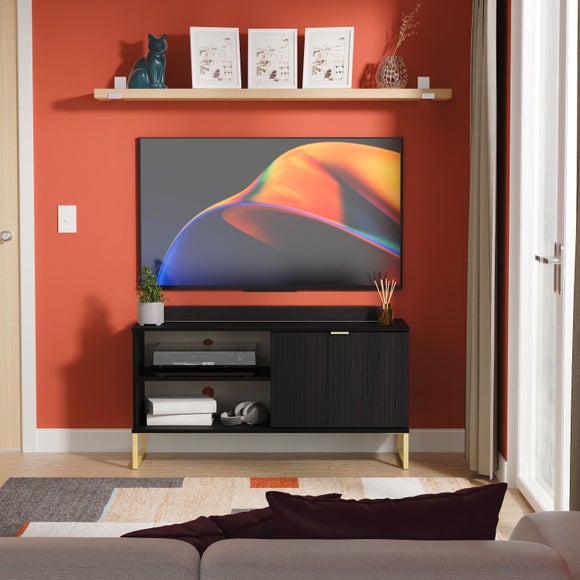
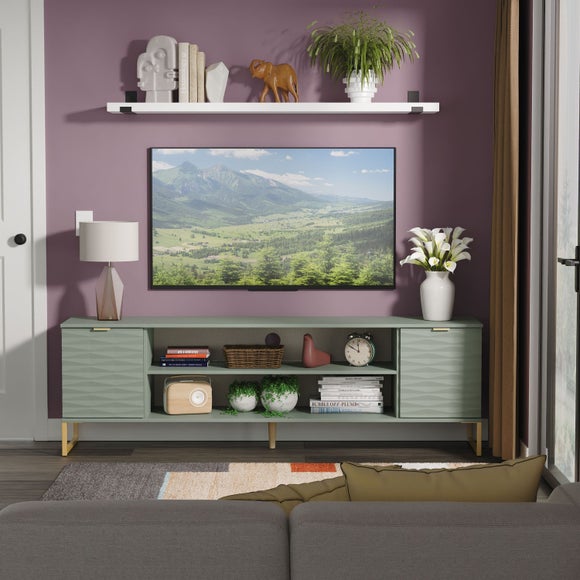
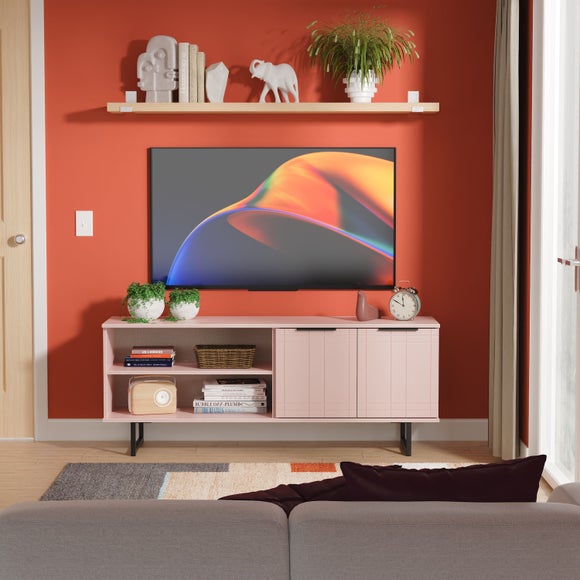
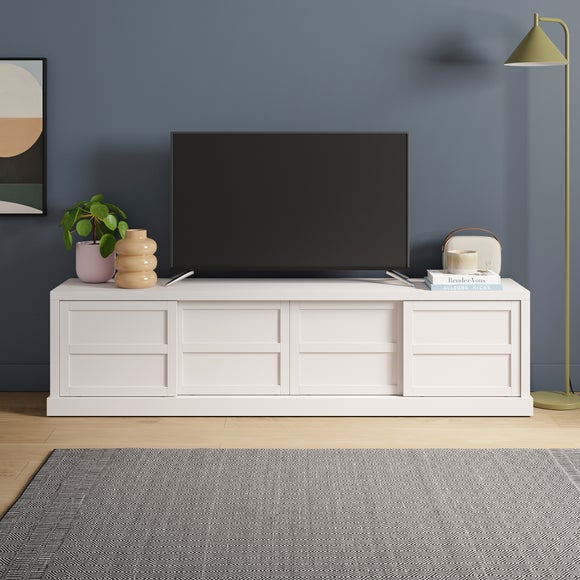
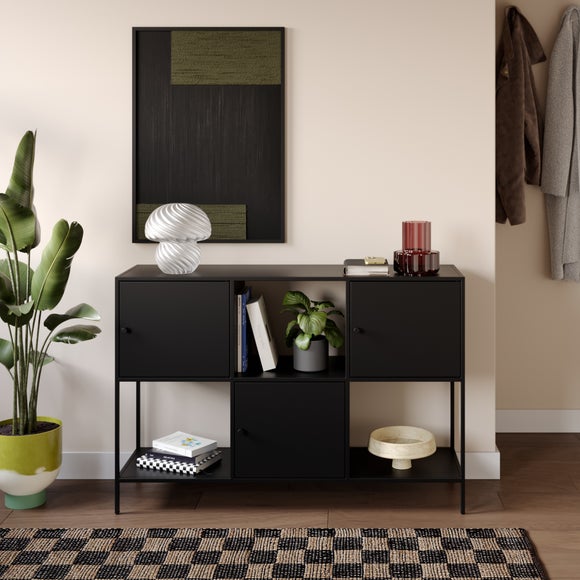
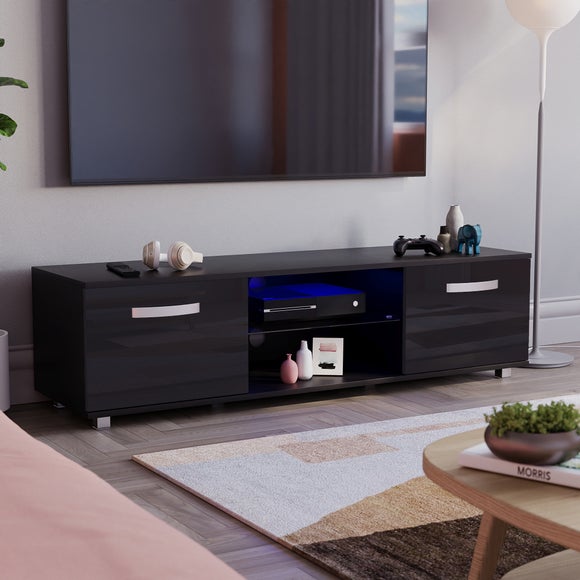
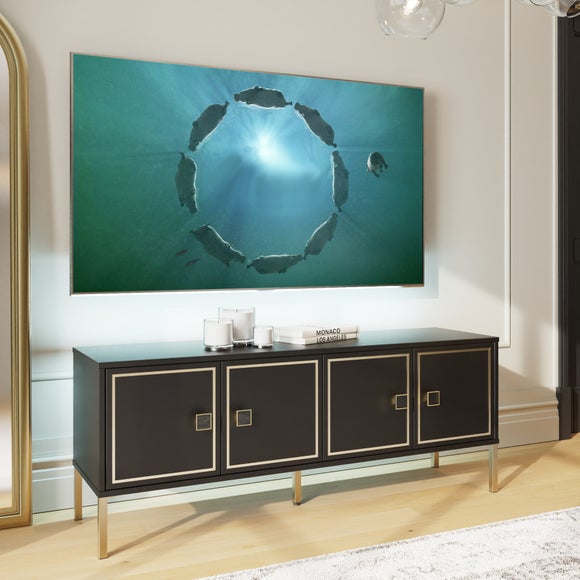
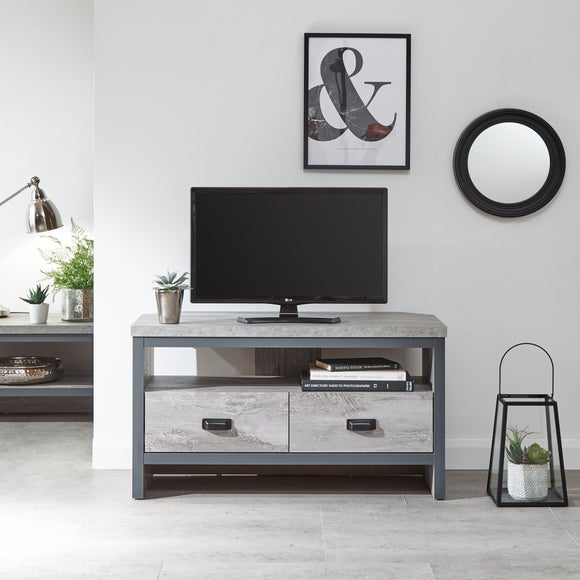
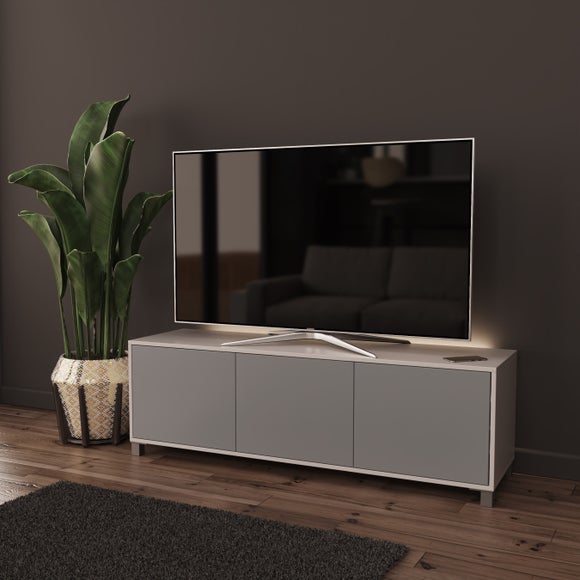
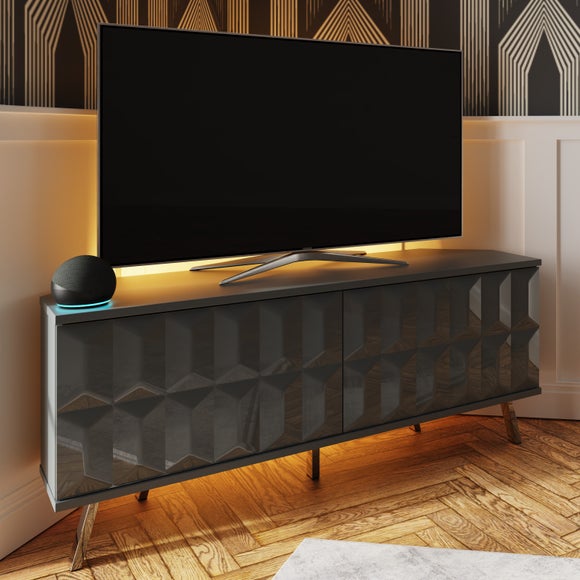
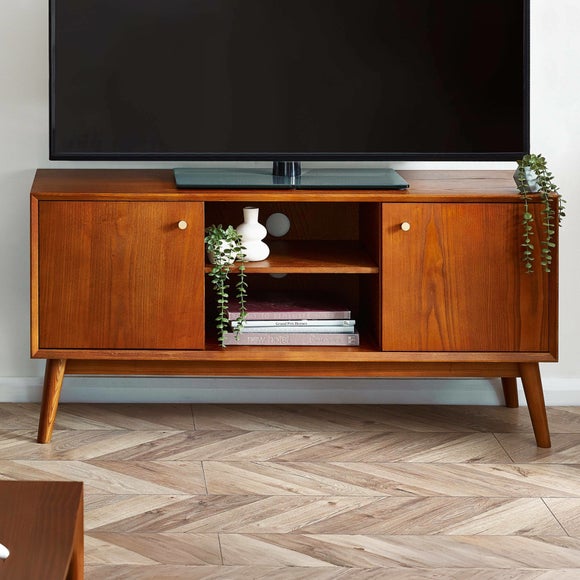
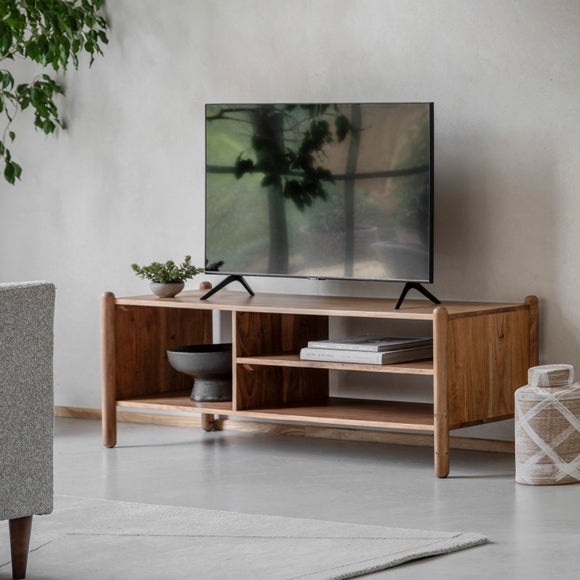
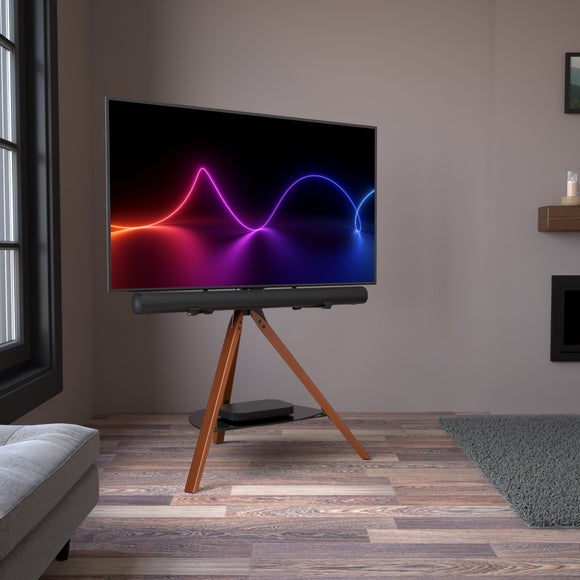
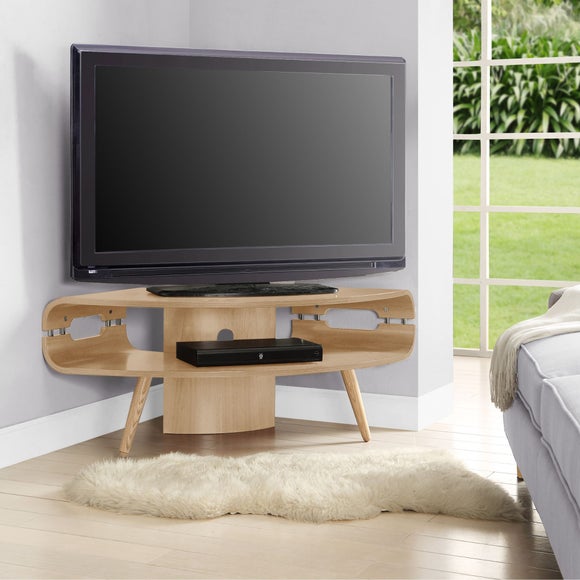
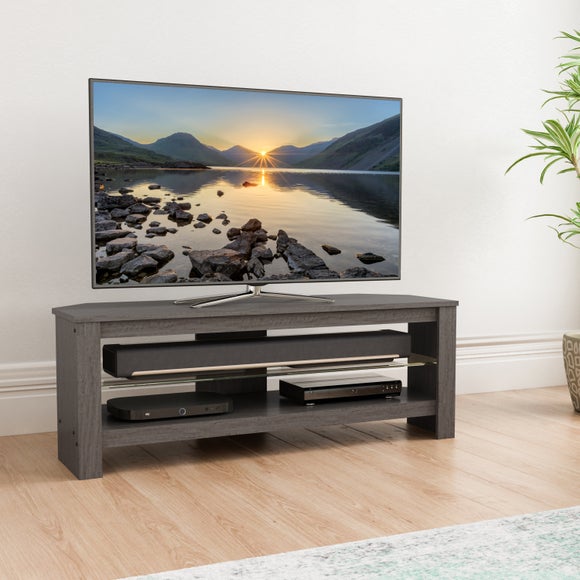
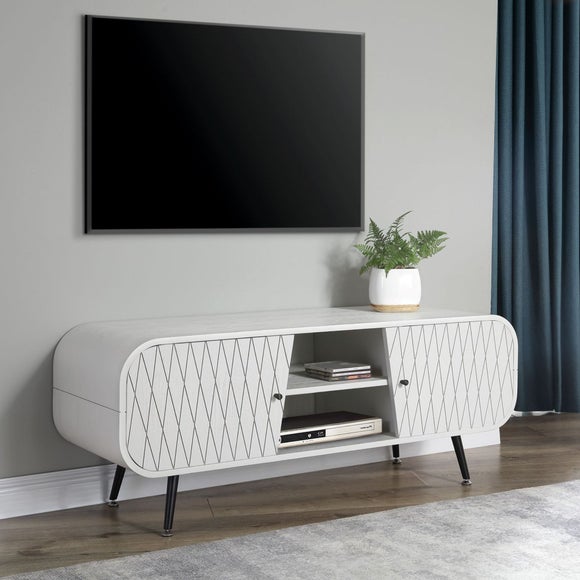
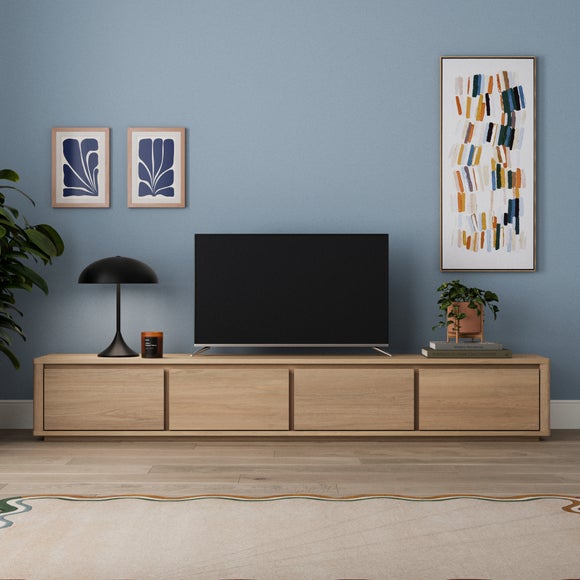
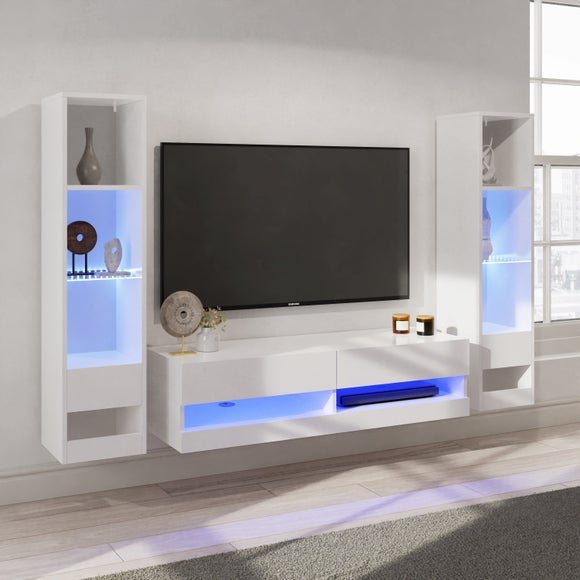
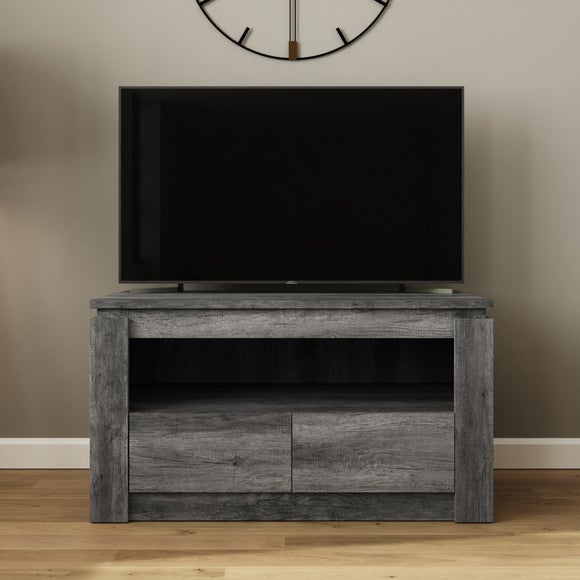
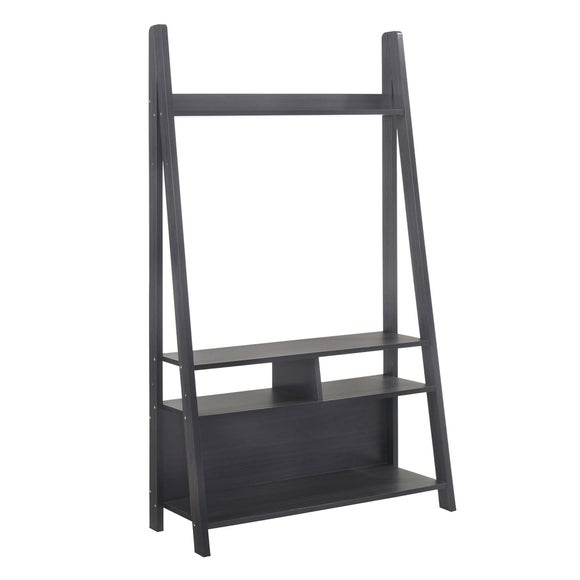
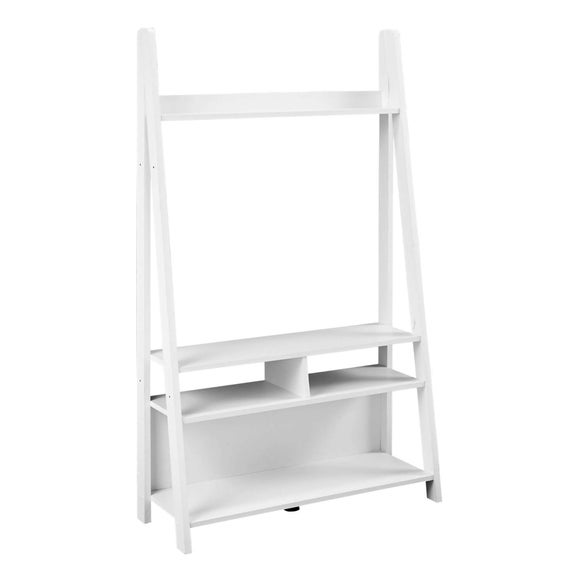
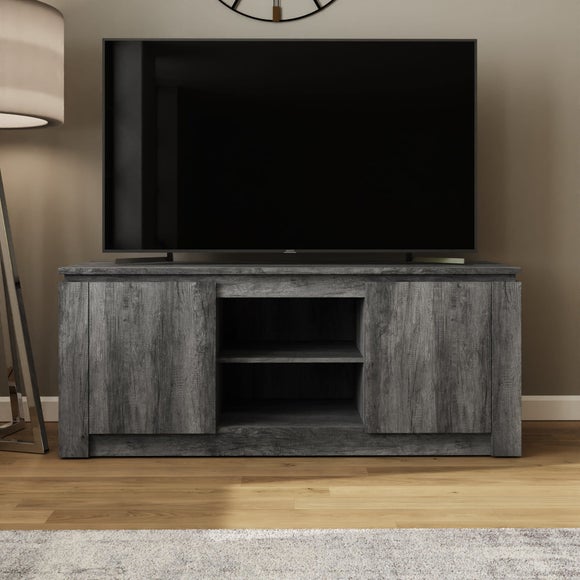
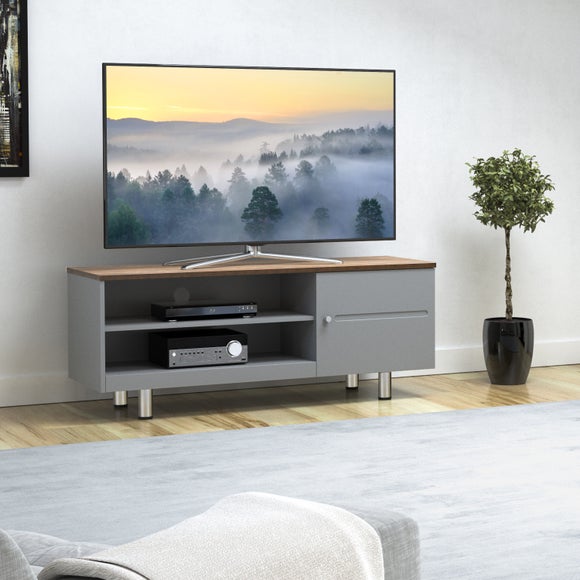
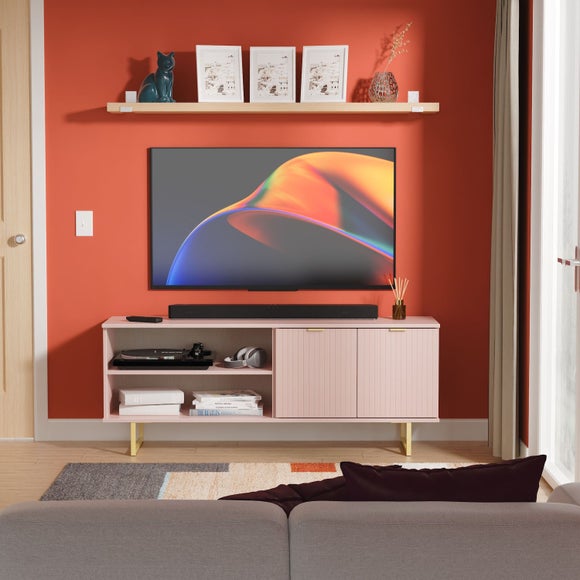
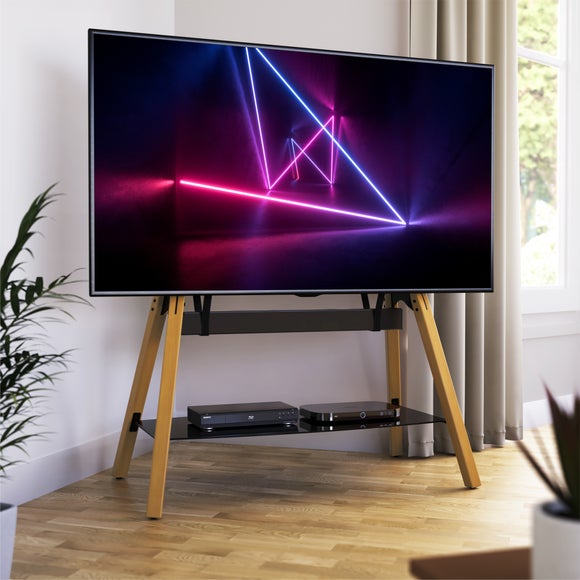
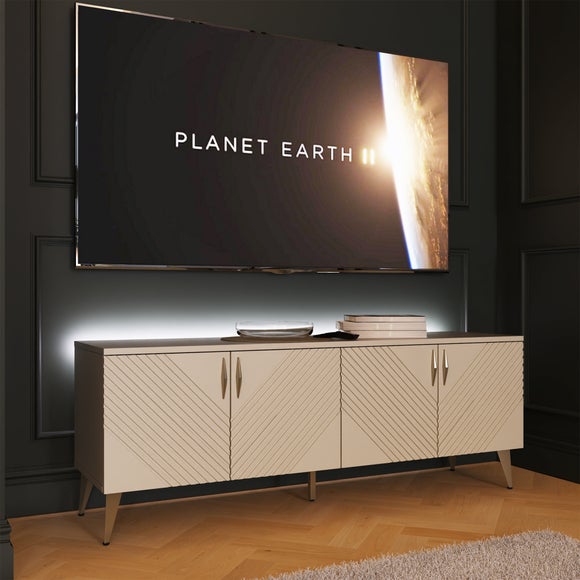
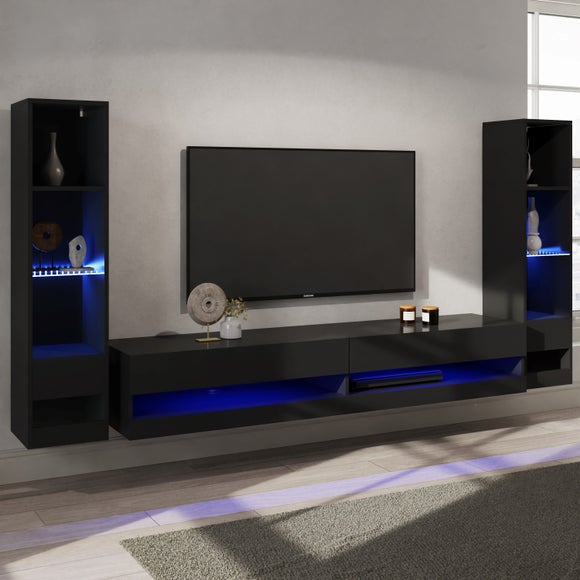
The right TV unit keeps the screen at a comfortable height and hides cables, consoles and clutter. Compare TV units and TV stands from UK retailers, from compact corner stands and slim units to wide media units with drawers, cupboards and open shelves. Click through to the retailer for the latest price, stock and delivery.
Getting the size right
Choose a unit at least as wide as your TV, ideally a little wider so the screen sits comfortably on top, and check the weight limit. If you want the TV mounted on the wall, a floating unit or low cabinet underneath keeps everything tidy.
Storage and finish
Cupboards and drawers hide games, remotes and cables, while open shelves suit consoles and soundbars. White, black, grey and oak finishes are the most popular, and cable holes at the back keep wires neat.
Safety and cable tidy
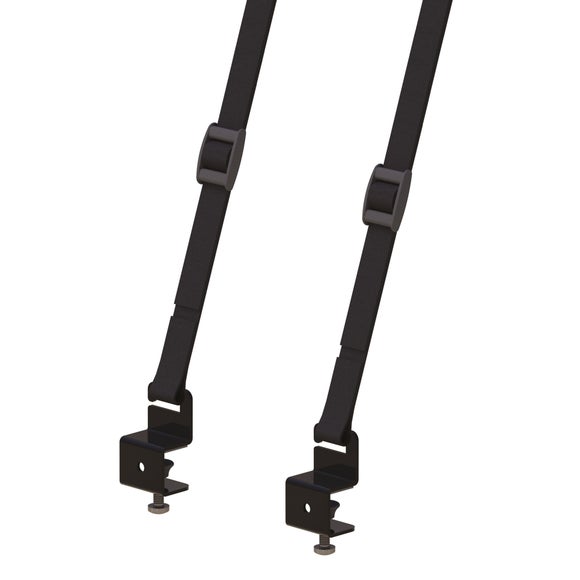
Check the maximum TV weight and screen size on the product page. Cable holes and cable management channels keep wires out of sight, and some units have adjustable shelves to fit a games console or soundbar. Fix tall or narrow units to the wall if the instructions recommend it.
What size TV unit do I need?
Pick a unit at least as wide as the TV, and check the maximum screen size and weight it can hold. A TV stand slightly wider than the screen looks balanced.
What is the difference between a TV unit and a TV stand?
A TV stand is usually a simple table for the TV, while a TV unit often has extra storage with drawers, cupboards or shelves. The terms are often used interchangeably.
What height should a TV unit be?
Aim for the TV to sit with the centre of the screen at about eye level when you are seated, which is usually a unit height of around 40-60 cm.